
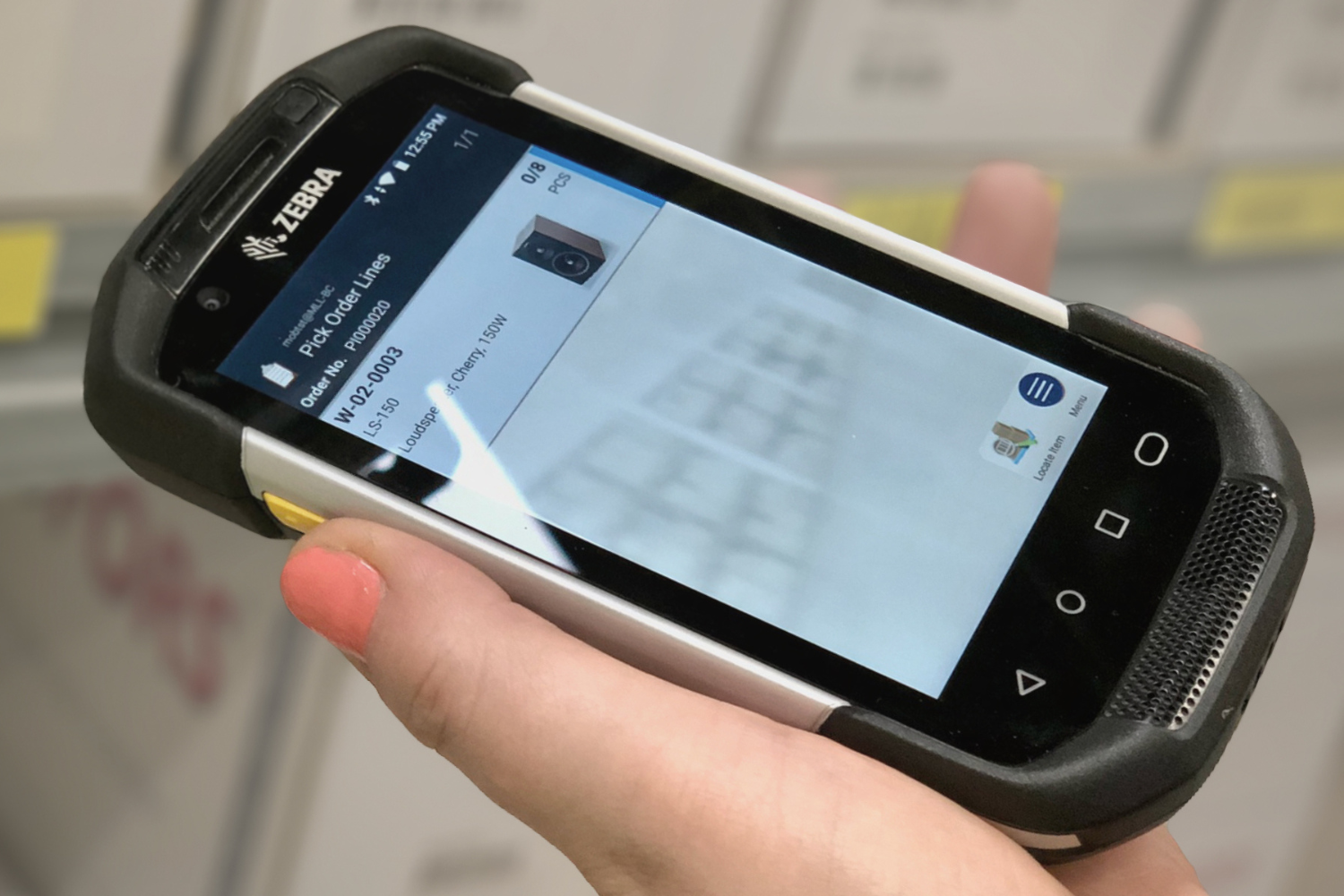
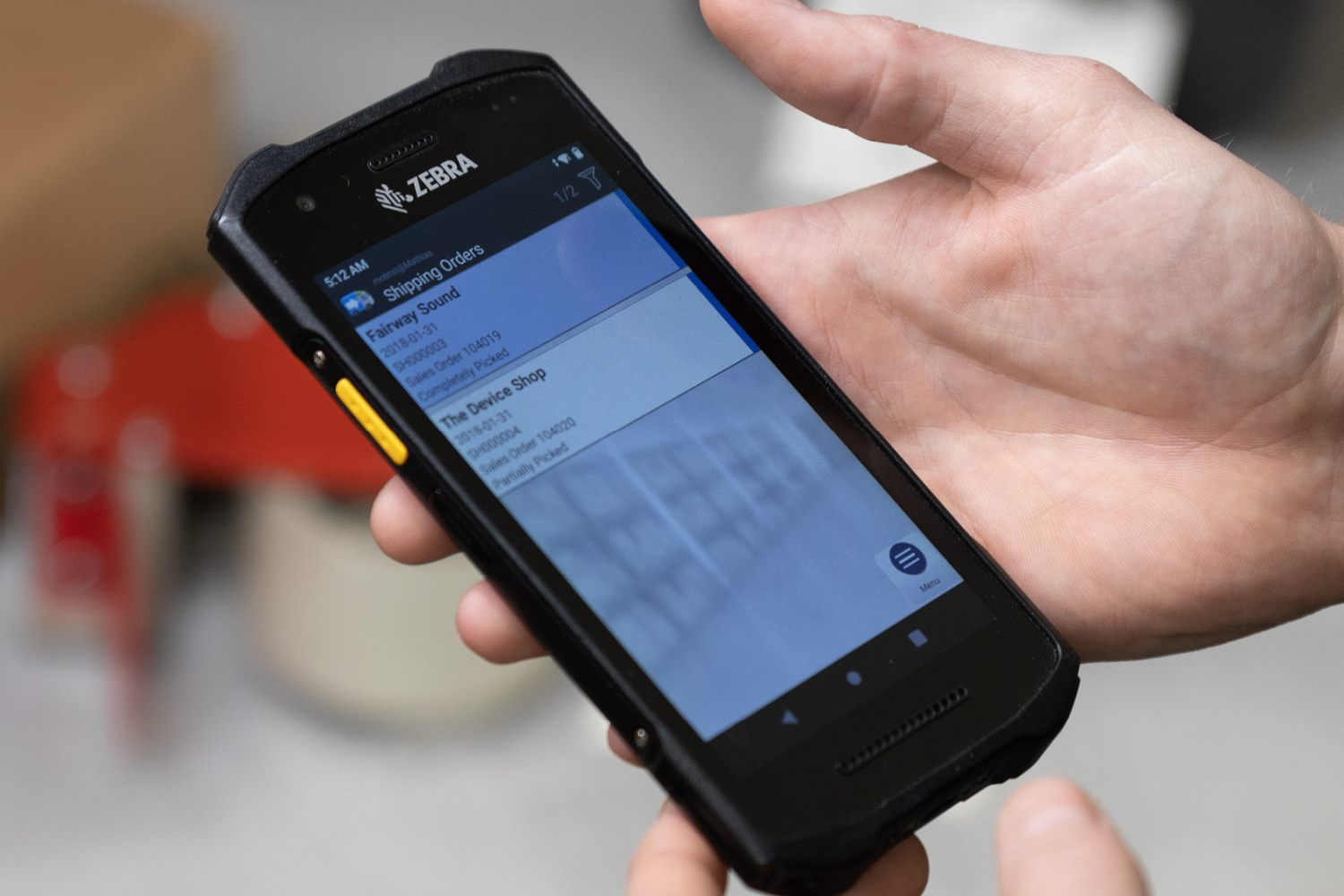
Optimise all your warehouse processes with Tasklet's Mobile WMS!

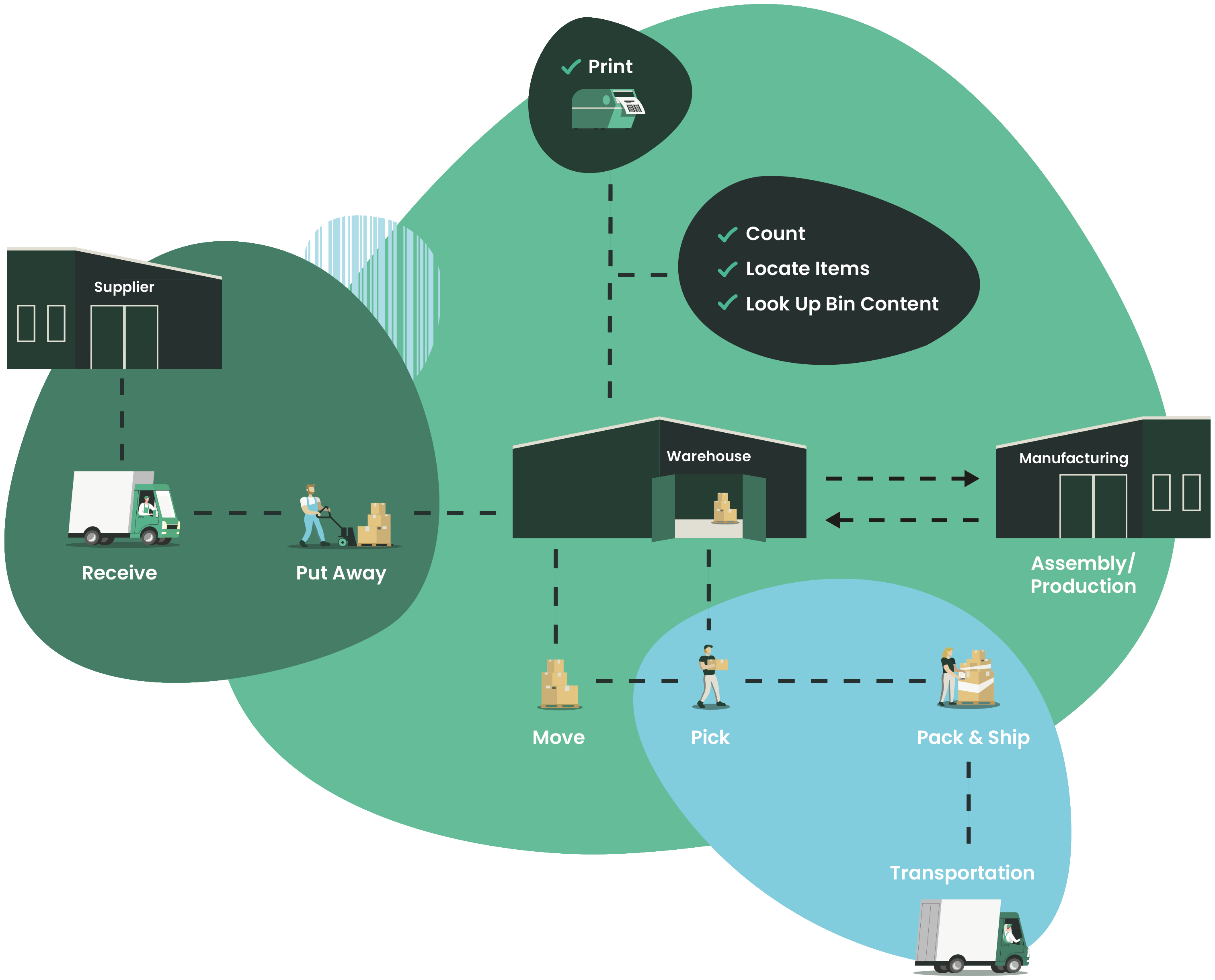
Warehouse Process Diagram
Want to improve the efficiency of your warehouse? The answer is Tasklet Factory's Mobile WMS warehouse management solution!

This solution supports all warehouse processes and integrates natively with Microsoft Dynamics 365 Business Central and Dynamics NAV.
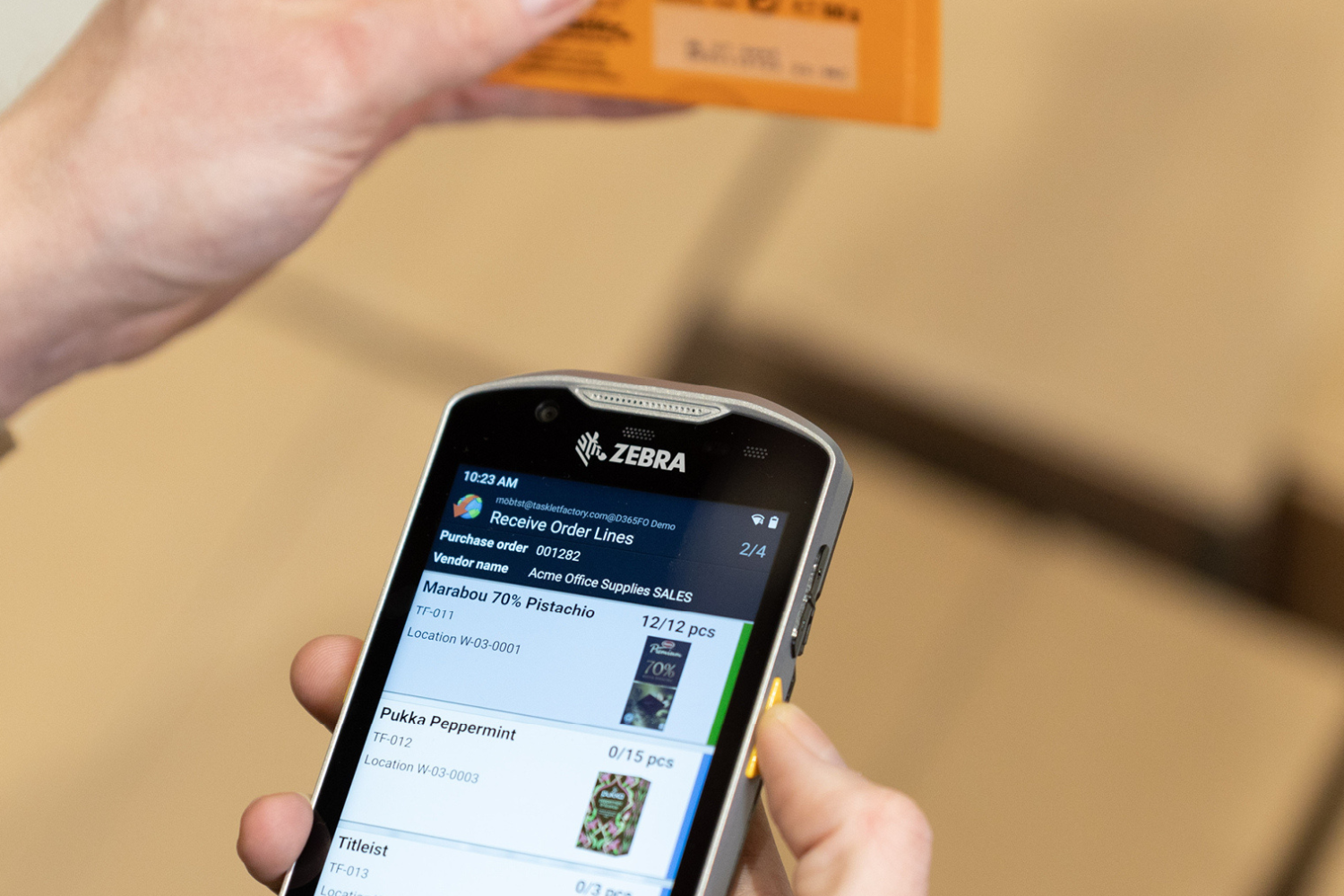
Thanks to a modern graphical interface that can be customised to suit each user's needs, Mobile WMS provides operators with all the information they need to work faster and with fewer errors.

If your company has specific processes that require ad hoc functionality, the solution can be easily extended with customisations directly within Microsoft Dynamics 365 Business Central and Dynamics NAV.

The intelligent extension for Business Central that revolutionises warehouse management

Imagine having a mobile extension for Microsoft Dynamics 365 Business Central and Dynamics NAV that allows you to centralise all your warehouse data in one place.
With the Mobile WMS warehouse management solution, that's exactly what you get: real-time updates on your ERP system for complete visibility and total control over all incoming, internal and outgoing warehouse processes.

FEATURES

Receive
Register and control received items.
Supports lot-/serial numbers and expiry dates.

Put away
Assign a bin to the received items.

Pick
Picking of single or consolidated orders.

Move
Perform planned, unplanned, and bulk movements of items.

Unplanned move
Perform unplanned movements of items.

Bulk move
Perform planned bulk movements.
Allows you to move all from one bin to another.

Count
Perform planned counts.

Unplanned count
Perform unplanned counts.

Adjust quantity
Complete a negative adjustment and provide a reason code.

Bin content
Look-up the content of a warehouse bin.

Locate item
Look-up the bin, available quantity, and the product data of an item.

Item dimension
Add or maintain unit of measure codes, including quantity per unit, measurements, and weight of an item.

Item cross reference
Associate or add a barcode to an existing item.

Substitute item
Scan an item barcode and look-up substitute items.

Print label
Print labels from the mobile device.

Shipping
Perform shipment of your items from the mobile device.

Attach image
Use the camera on your mobile device to attach pictures in the work process or create item images.

Production
Report consumption, output, and time on released production orders.

Assembly
Report consumption and output on assembly orders.

Pack & ship
Finish packing and shipping directly from the mobile device.

License plating
Group and move items with one scan and improve efficiency.
Why mobile wms?

Offline capability

Never lose important data. Optimise warehouse operations even in areas without Wi-Fi coverage: the solution securely saves and synchronises data, ensuring operational continuity.

Integrates to standard

Simple implementation and low-risk updates. Integration with Microsoft Dynamics ERP systems simplifies warehouse operations without complications.

Quick and easy installation

Tasklet Mobile WMS is quick and easy to implement. For a smooth transition, we recommend starting with the basic functions and allowing your team to become familiar with them before expanding their use.

Easy to customize

Maximise efficiency with a customised Mobile WMS solution. Starting with standard features, we tailor the system to your company's specific needs for seamless integration.

User-friendly

An intuitive interface and digital guidance allow warehouse operators to focus on their tasks without technological complications.

Oustanding support

Our priority is to help you get the most out of the solution. Whether you are a user or an implementer, you can count on our qualified experts to resolve any issues.

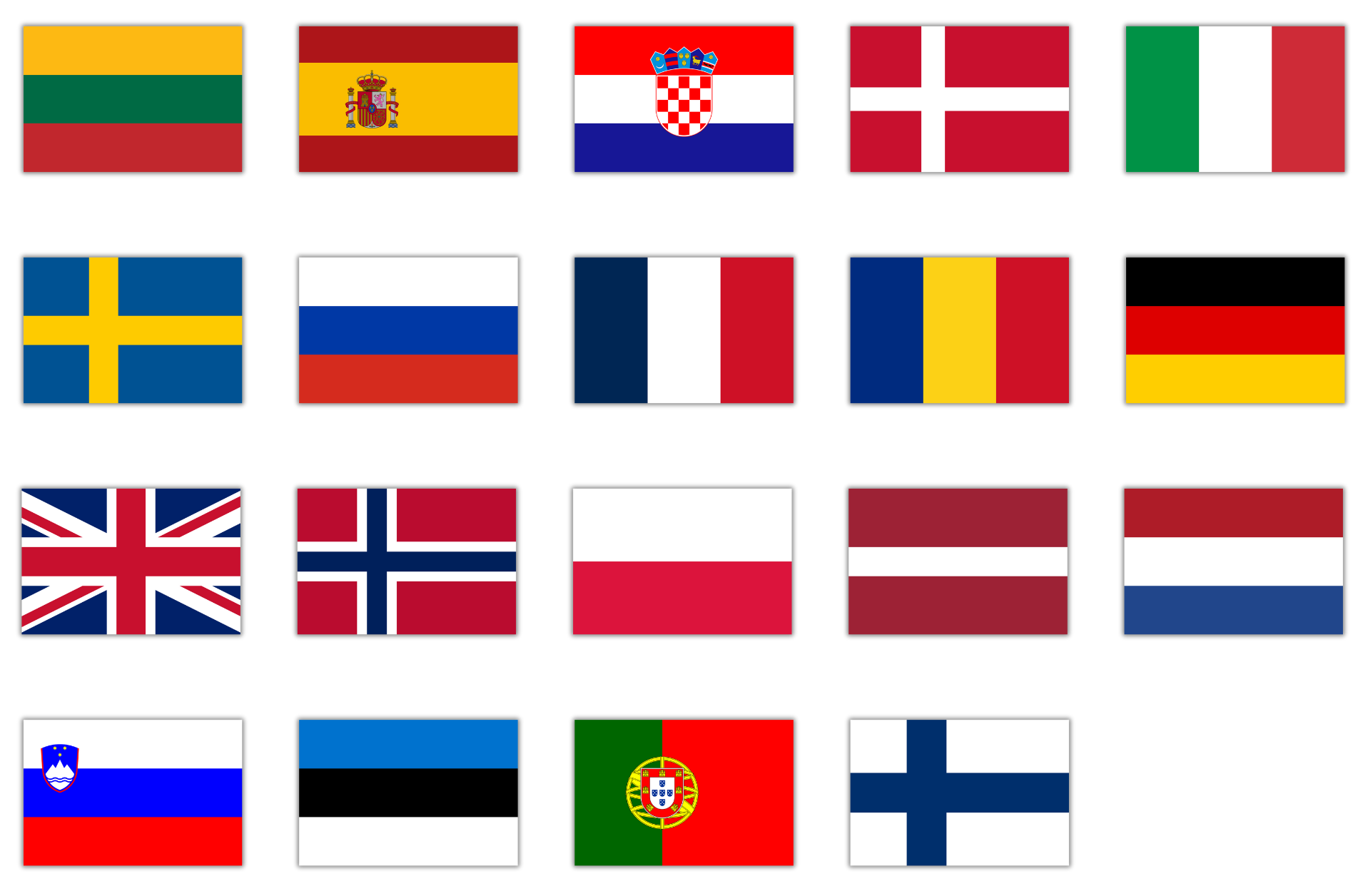
AVAILABLE IN MORE THAN 15 LANGUAGES

Frequently asked questions

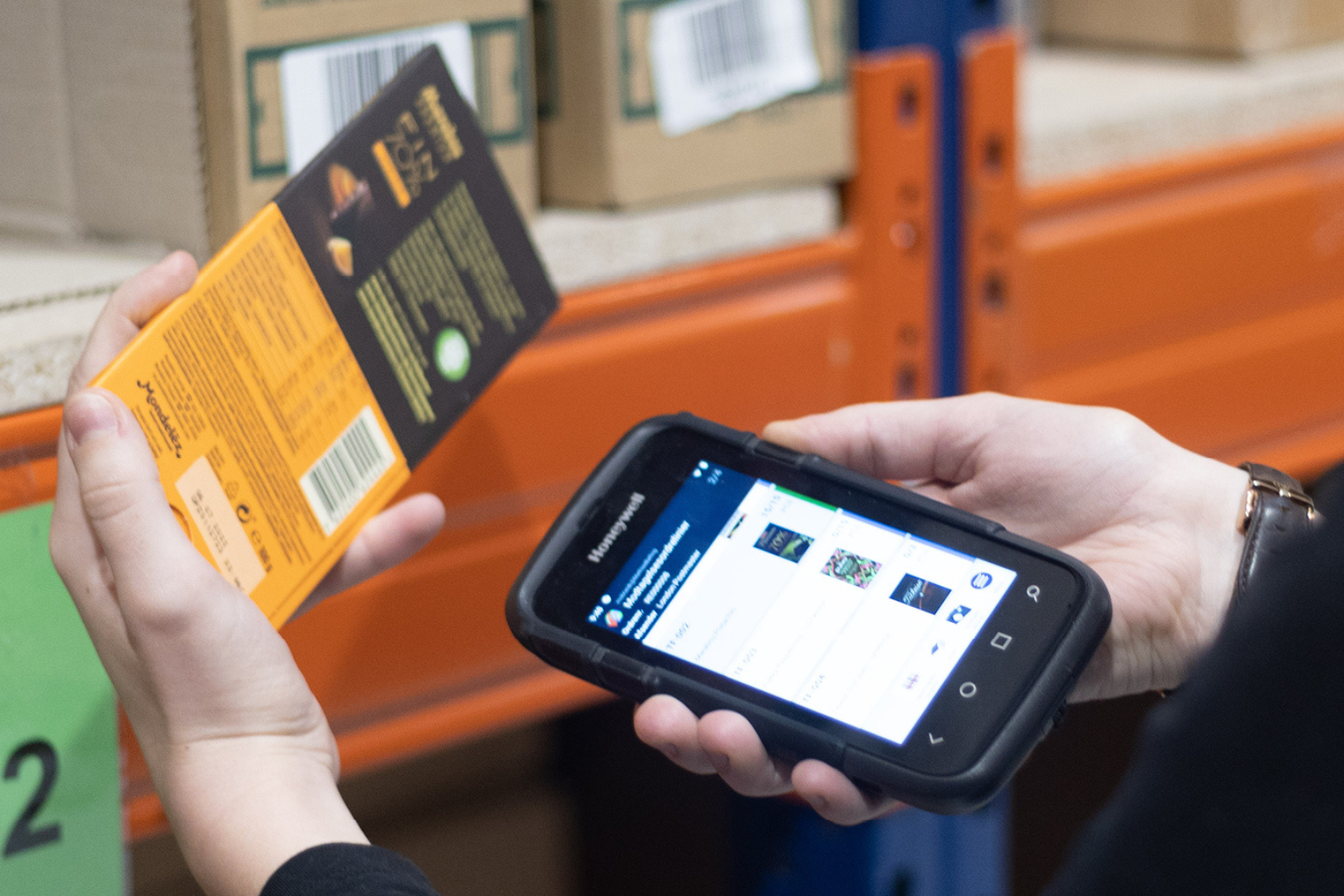
The layout of the warehouse, temperatures (e.g. refrigerated areas), the distance to be covered during scanning and environmental conditions (such as dust or ATEX areas) are decisive factors in the choice of mobile devices. We look for robust scanners from brands such as Zebra, Honeywell, Datalogic and ProGlove to guarantee durability and reliability.
If warehouse management in ERP is already configured, standard implementation can be completed in a few hours. In optimal circumstances, a fully operational warehouse can be online within the same day.
The solution is distributed through a certified network of Microsoft partners. This ensures access to consultants with experience in Dynamics 365 BC/NAV and SCM/FO/AX for proper setup, customisation, and ongoing support.
Mobile WMS offers an intuitive interface with guided flows for receiving, picking, moving, counting, production and shipping, compatible with ERP. It can be customised through configurations in Business Central, allowing you to test it in dedicated sandboxes.
The integration is ready to use and modular: by installing the extension via AppSource or downloading the on-premise package, the system automatically connects the mobile interface to ERP data with minimal configuration in just a few steps.
Yes, Mobile WMS is designed to extend the standard functionality of BC/NAV. All customisation takes place directly in the ERP, leaving the updatable bases intact, and makes it possible to manage specific requirements such as industrial processes or advanced tracking.
Through parameterisation in Business Central, you can define product categories or attributes (e.g. serialised, anaesthetised, QC) and set specific rules to exclude these items from the automatic calculation of purchase proposals. The app follows ERP rules consistently.
Yes. Out-of-the-box, Mobile WMS covers essential processes (receiving, picking, counting, labelling, serial/batch, licence plate, production and shipping). With customisation, it takes on the full role of a professional WMS included in the ERP system.
Absolutely yes: the solution supports the management of products with serial numbers, batch management, expiry dates and any exclusions for targeted supplies or regulatory requirements.
During operations, the system allows you to mark an item as non-compliant, report the reason and initiate any quarantine or disposal actions. All records are reported in real time on the ERP, ensuring traceability and transparency in operations.
  • Via del Gregge 100, Lonate Pozzolo 21015 (VA)
  • Phone number: +39 0331 726304
  • E-Mail: info@dsc-group.net
  • Head office: Via Nino Bixio 2, Busto Arsizio 21052 (VA)
  • Working hours: Mon-Fri h. 9.00-13.00, 14.00-18.00
Privacy Policy  |  Cookie Policy
2023© DSC Group s.r.l. - P.IVA 02319800021
Logo DSC COLORATO
  • Via del Gregge 100, Lonate Pozzolo 21015 (VA)
  • Telephone: +39 0331 726304
  • Email: info@dsc-group.net
  • Registered office: Via Nino Bixio 2, Busto Arsizio 21052 (VA)
  • Opening hours: Mon-Fri 9:00 a.m.-1:00 p.m., 2:00 p.m.-6:00 p.m.
Privacy Policy  |  Cookie Policy
2023© DSC Group s.r.l. - P.IVA 02319800021
chevron-down linkedin facebook pinterest youtube rss twitter instagram facebook-blank rss-blank linkedin-blank pinterest youtube twitter instagram